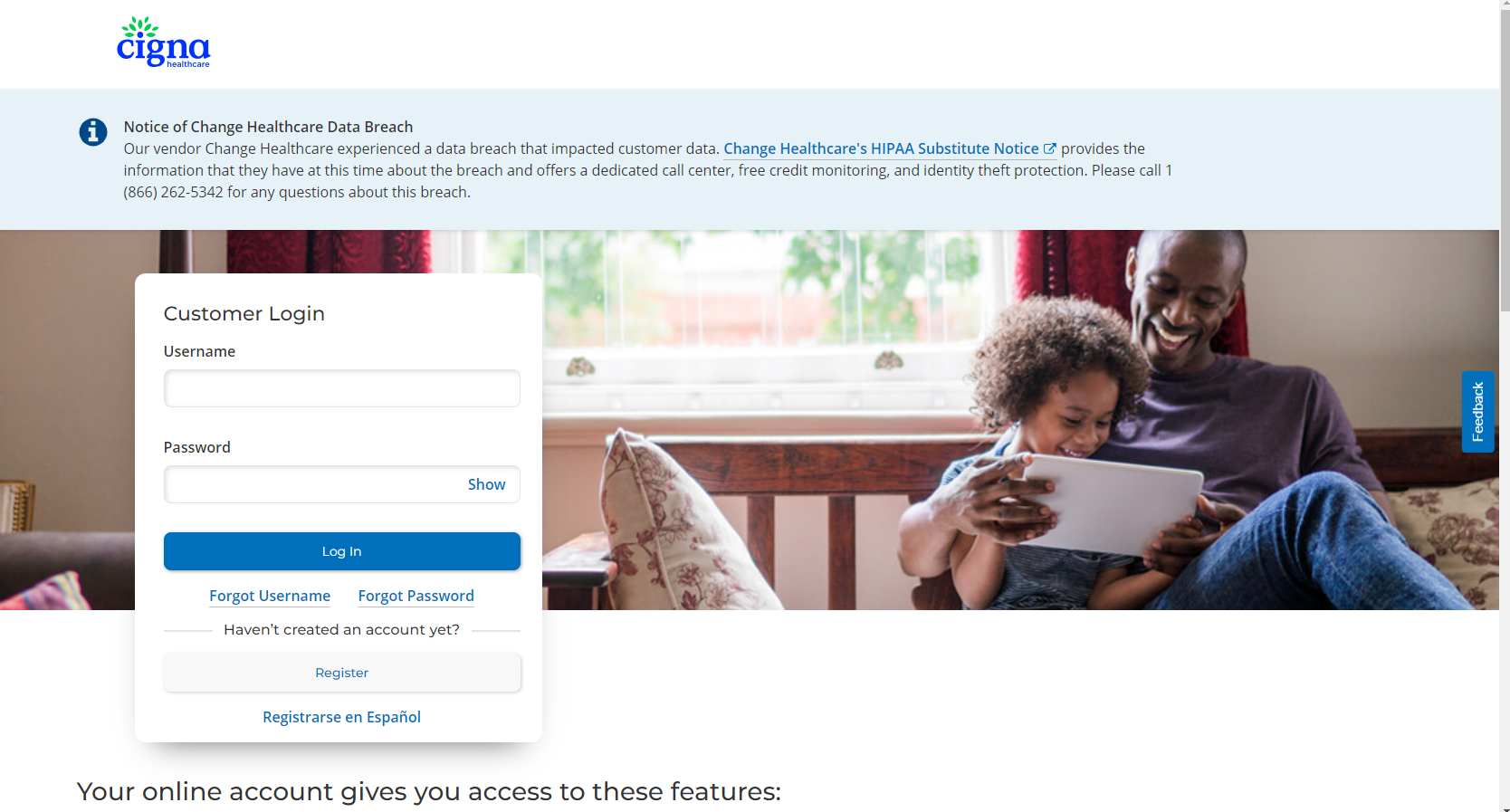
To find your Cigna username and password, use the "Forgot Username" or "Forgot Password" links on the my.cigna.com login page. You will need to provide personal information to verify your identity, such as your name and Cigna ID number, to proceed with the recovery process.
To recover your username
- Go to the my.cigna.com login page, even if you have a different Cigna plan.
- Click the "Forgot Username" link.
- Follow the prompts to enter your first name, last name, and other requested information to verify your identity.
To recover your password
- Go to the my.cigna.com login page.
- Click the "Forgot Password" link.
- Enter your User ID and follow the instructions to answer your security questions.
- Alternatively, you can use the "Forgot Password" tool on the Cigna Health Benefits login page by entering your Cigna ID number and following the email link to reset your password.
If you need further assistance
- If you can't recover your username or password online, call Cigna customer service at 1-800-284-8346 for help.
Was this article helpful?
That’s Great!
Thank you for your feedback
Sorry! We couldn't be helpful
Thank you for your feedback
Feedback sent
We appreciate your effort and will try to fix the article