To find your BlueCross BlueShield of Illinois Username and Password:
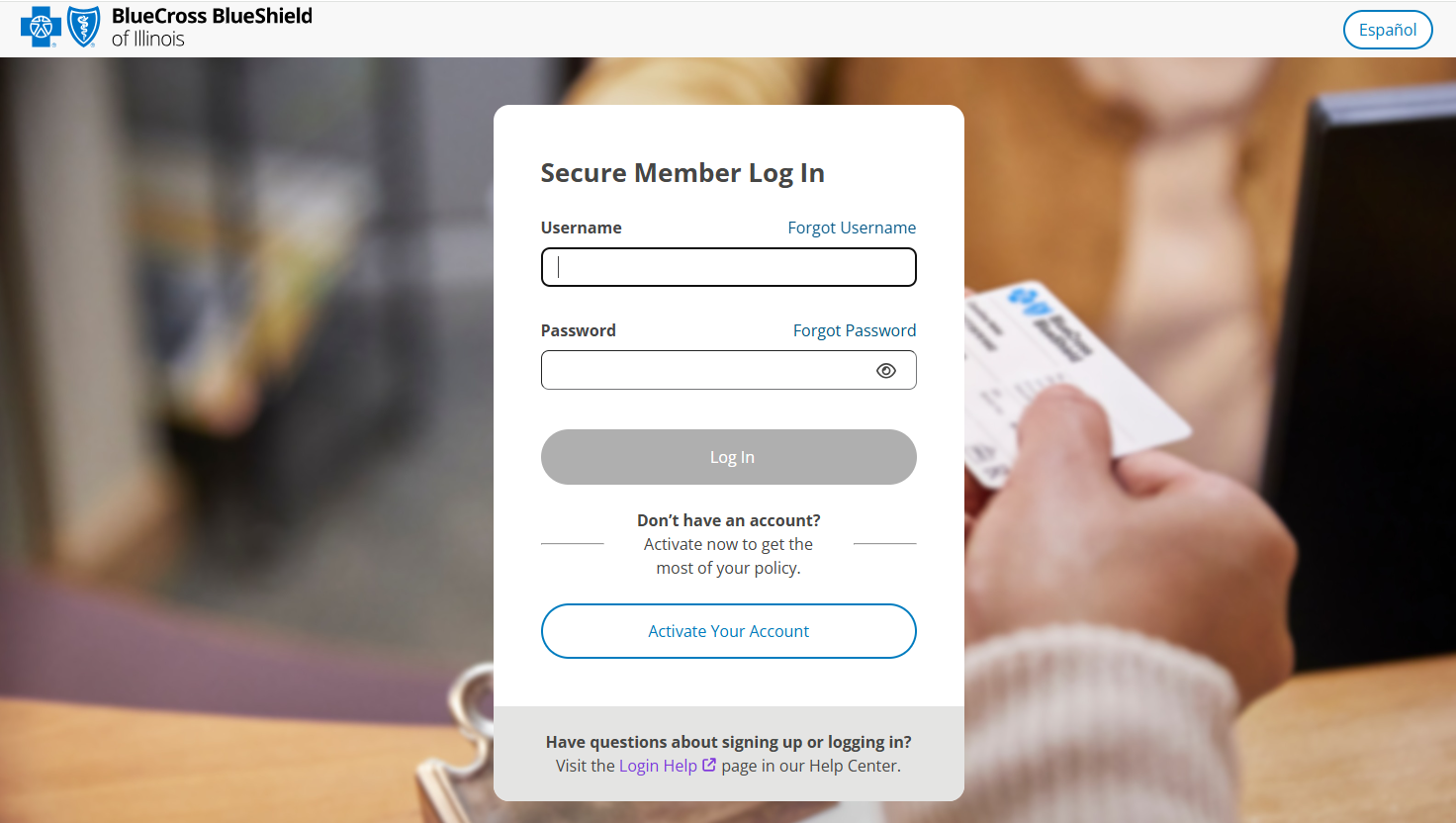
- Go to bcbsil.com and click the 'Log In' button.
- If you forgot your Username, in the Secure Member Log In screen, click 'Forgot Username'. When the Let's recover your username screen is displayed, enter the email address you used to sign up and follow the instructions.
- If you forgot your Password, in the Secure Member Log In screen, click 'Forgot Password' and follow the instructions.
Was this article helpful?
That’s Great!
Thank you for your feedback
Sorry! We couldn't be helpful
Thank you for your feedback
Feedback sent
We appreciate your effort and will try to fix the article